Importing an assembly
Note
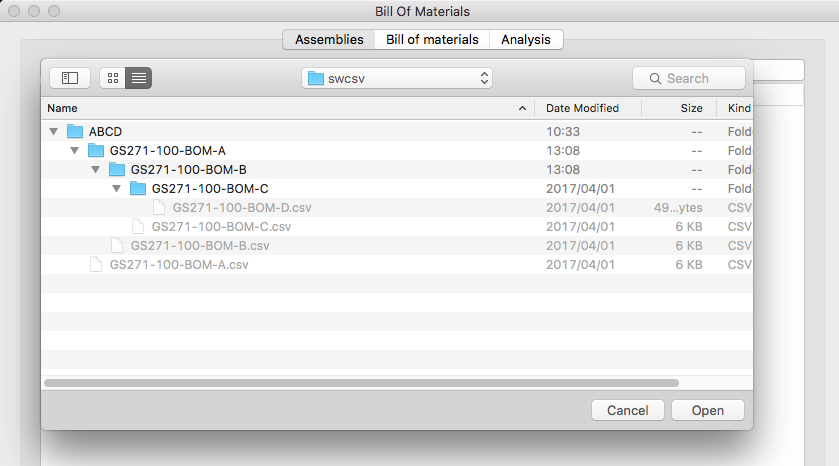
- Import a new assembly and read the csv files into Bill of Materials
- If an error occurs the process is undone
- Sub Folders are included
Import process
- Create a New Folder and copy the necessary csv files into it
- From this program’s file menu click Import Assembly... and select the folder holding the csv files
Reading a tree structure from the hard drive